

Use the SoMark Document Parser tool in a workflow
1
Add the SoMark Document Parser node
In the FastGPT application workflow, add the SoMark Document Parser node.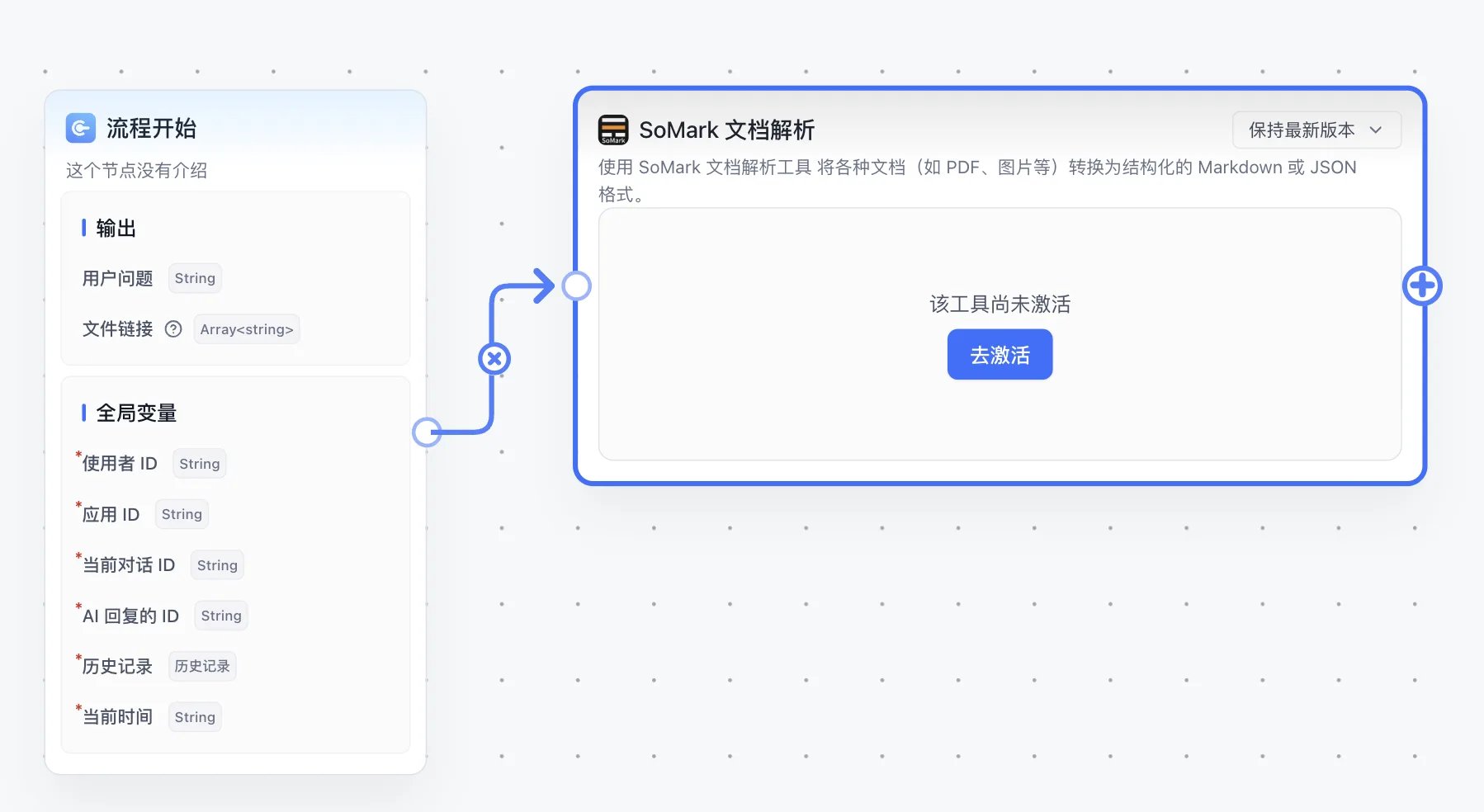
2
Activate the SoMark Document Parser tool
Click Activate and fill in the secret configuration: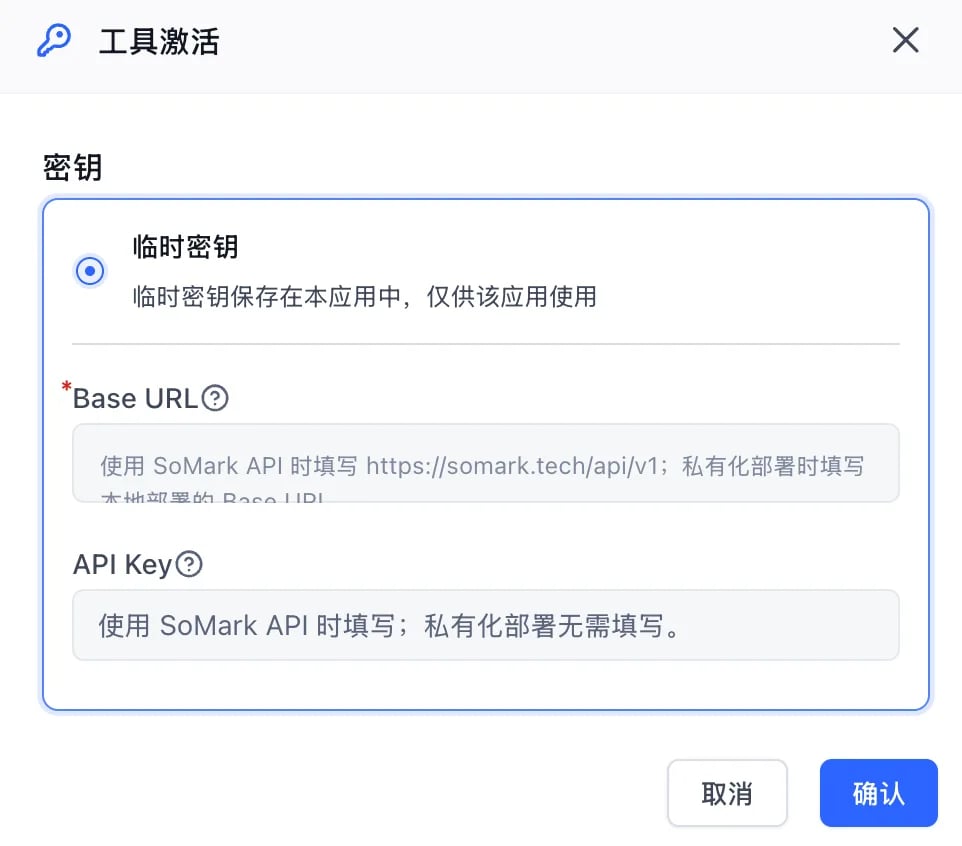
- Base URL: For SoMark API, use
https://somark.ai/api/v1; for self-hosted deployment, enter the Base URL of your local deployment. - API Key: Required for SoMark API; not required for self-hosted deployment.
No API key yet? Go to the SoMark API Studio to get your API key.
3
Build a minimal demo
Connect a file input node to the File parameter of SoMark Document Parser, then pass the parsed results to a downstream node. The plugin can parse multiple files at a time and works for uploaded PDFs, images, Word, PPT, or Excel files.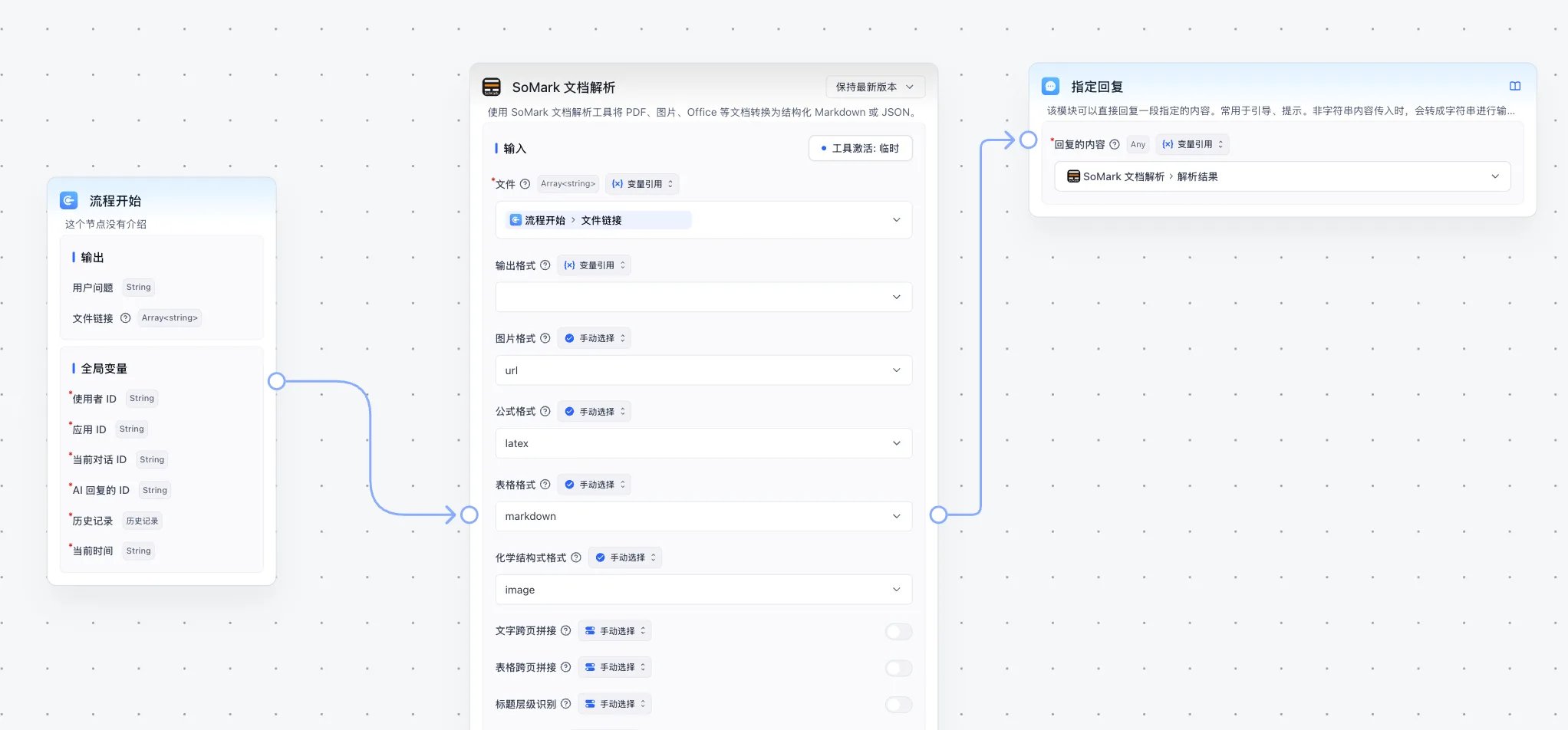
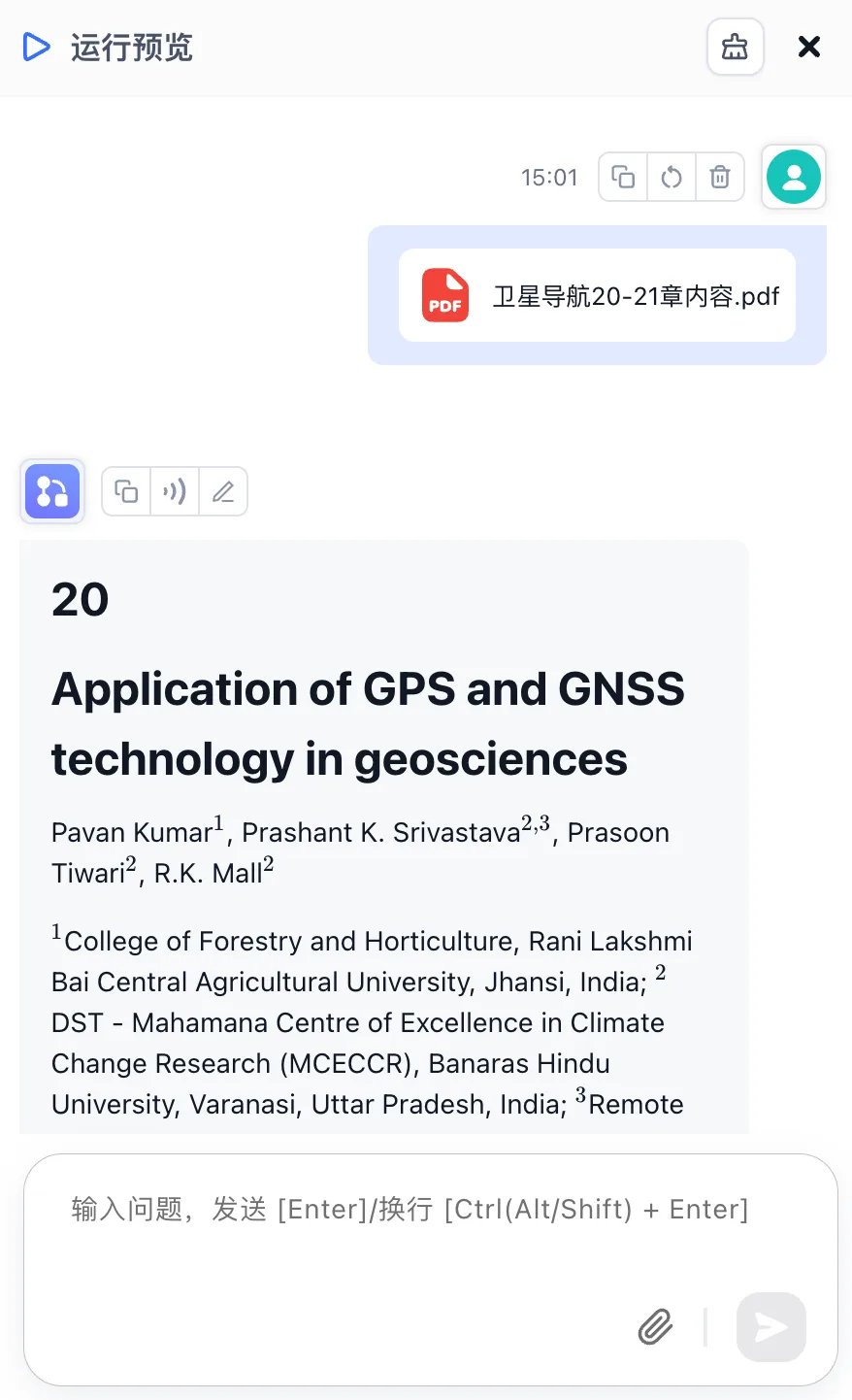
markdown, json, and error fields, and downstream nodes can reference them as needed.Parameters and outputs
Input parameters
Output variables
Result fields
Notes
- FastGPT passes selected files as download URLs. The plugin downloads the file first, then sends it to the SoMark parsing service.
- If the file URL contains a
filenamequery parameter, the plugin uses it first to avoid losing suffixes such as.pdfand.docxfrom temporary download URLs.